







Records.
Centralized.
Red Rover Records brings employee data, documents, forms, and workflows together in one K-12 platform, so your HR team can stop juggling systems and start moving faster.

Custom forms, automated approval routing, and employee self-service in one system.
Built-in tools to stay audit-ready and reduce risk.
Every employee record and document in one secure, searchable location.
Employee Records
Documents
Forms and Workflows
Positions
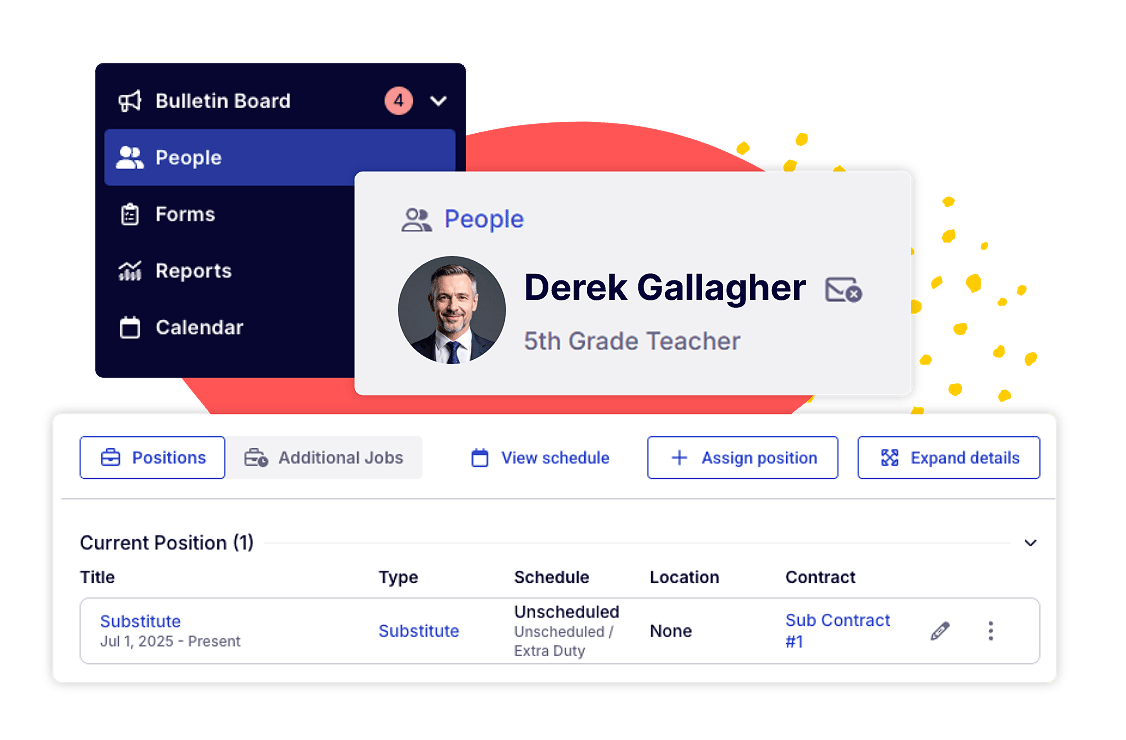
Every person in your district lives in a single, unified employee record. Contact info, employment dates, emergency contacts, demographic data, and custom fields all in one place.
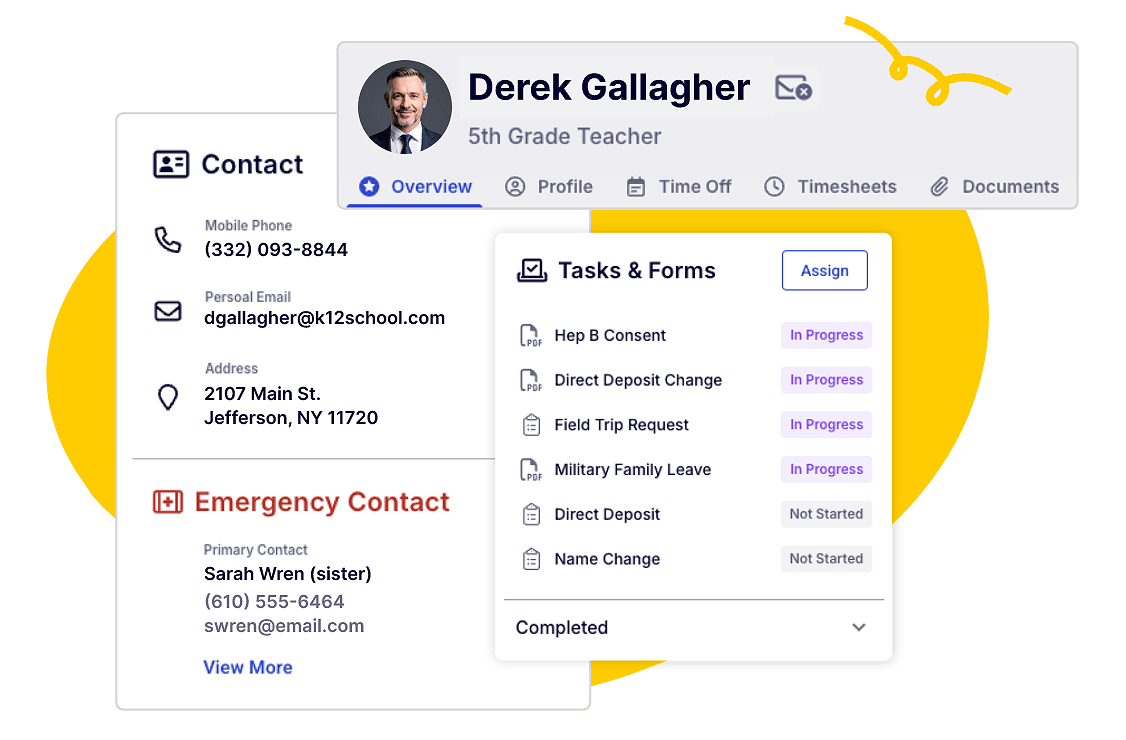
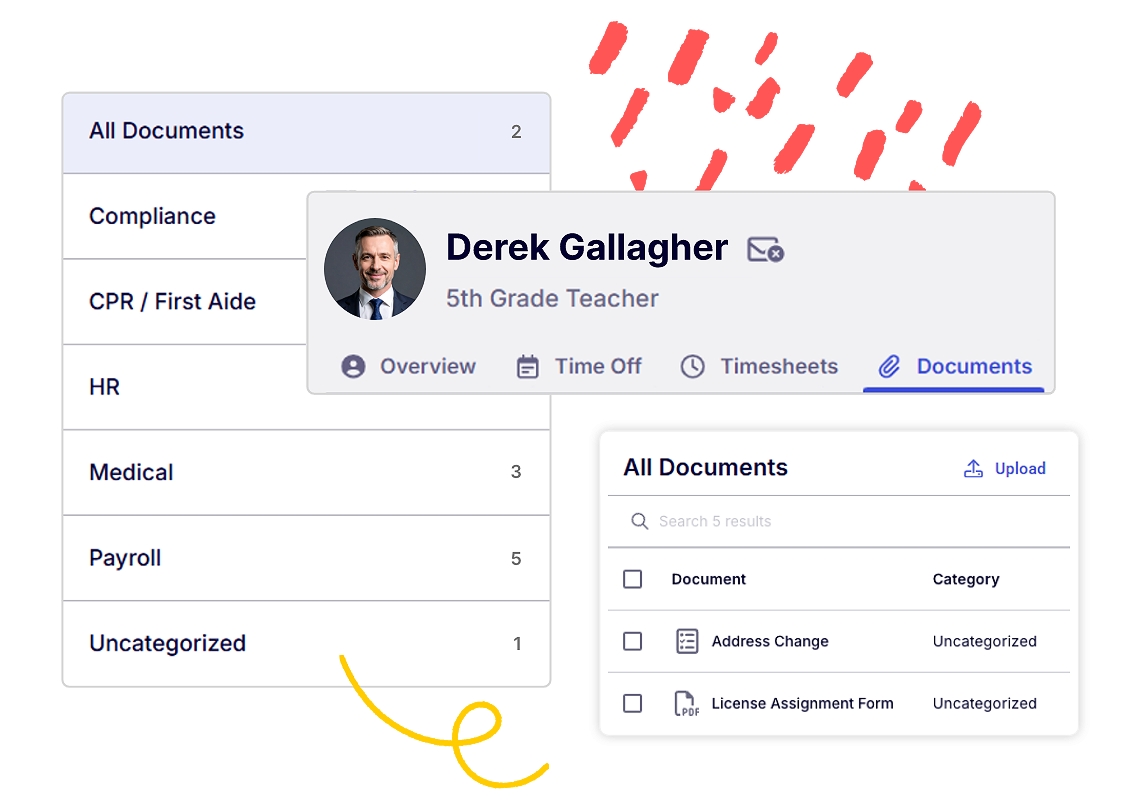
Upload, manage, and organize employee documents right on their record. Submitted forms automatically route to the right document category, so nothing gets lost. Visibility permissions are set by category, so admins only see the documents they're supposed to.
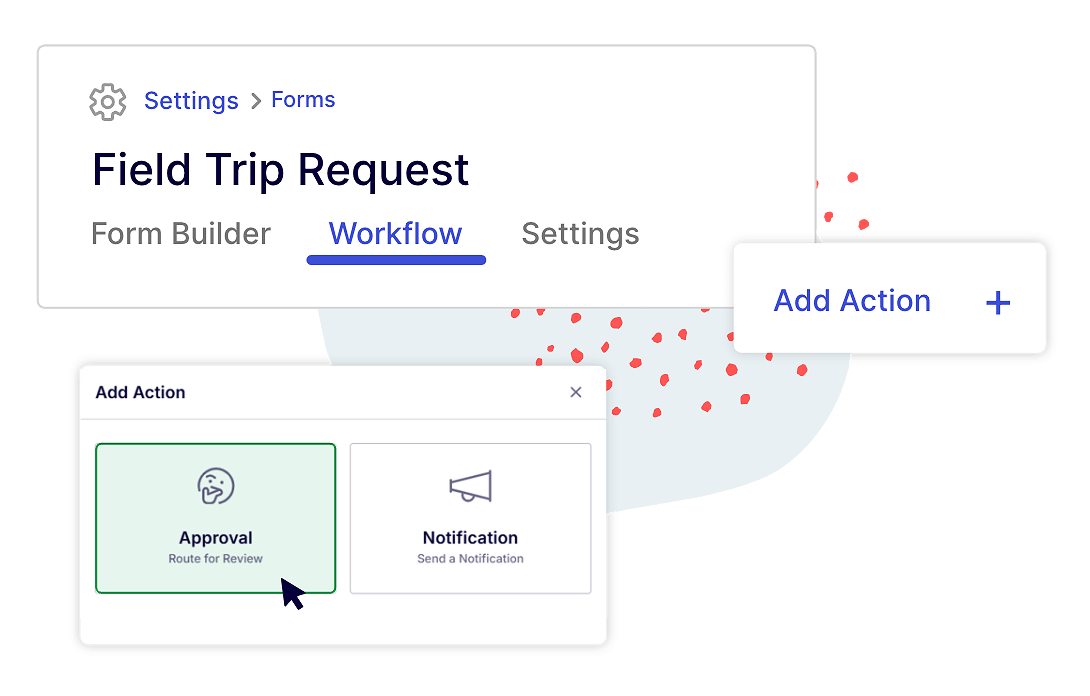
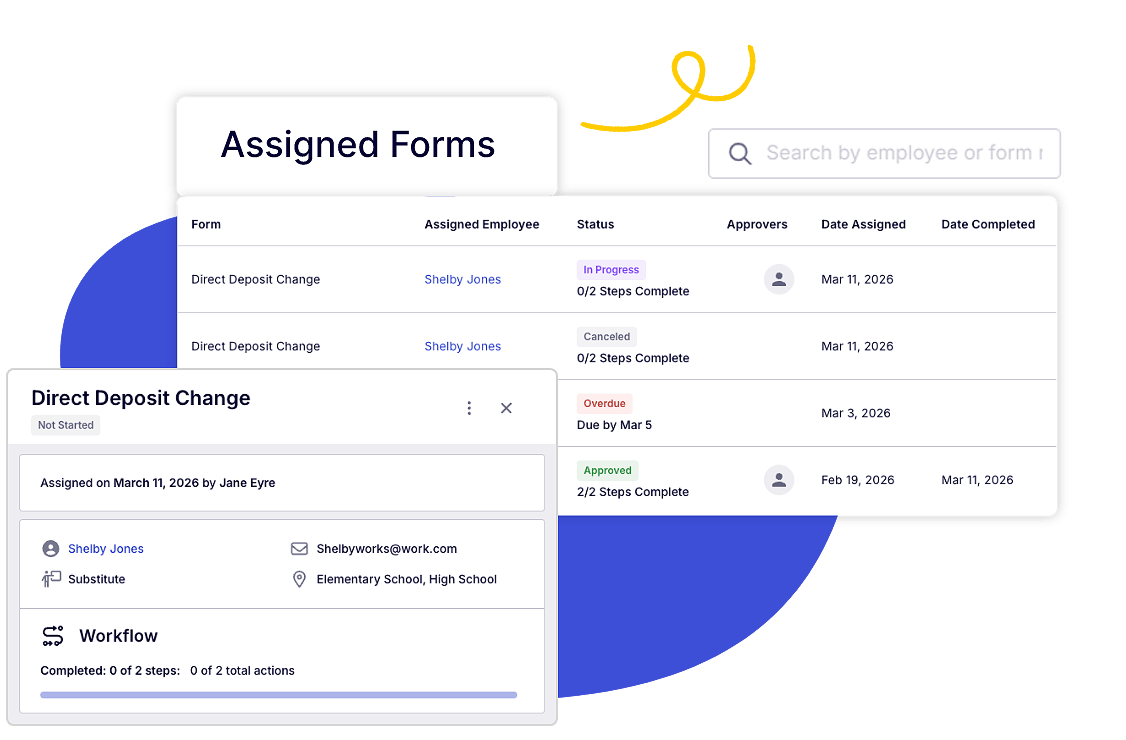
Build custom forms, attach multi-step approval workflows, and let employees self-start forms without waiting on HR.
Assign departments, track seniority dates, and add custom fields at the position level. Position contracts automatically distinguish employees from substitutes. And because it's all one system, position data feeds directly into Absence Management, Time Tracking, and every other Red Rover product.
Most records systems were designed for corporate HR and retrofitted for education. Red Rover Records was built from the ground up for school districts, with the language, workflows, and permission structures that reflect how K-12 actually operates.
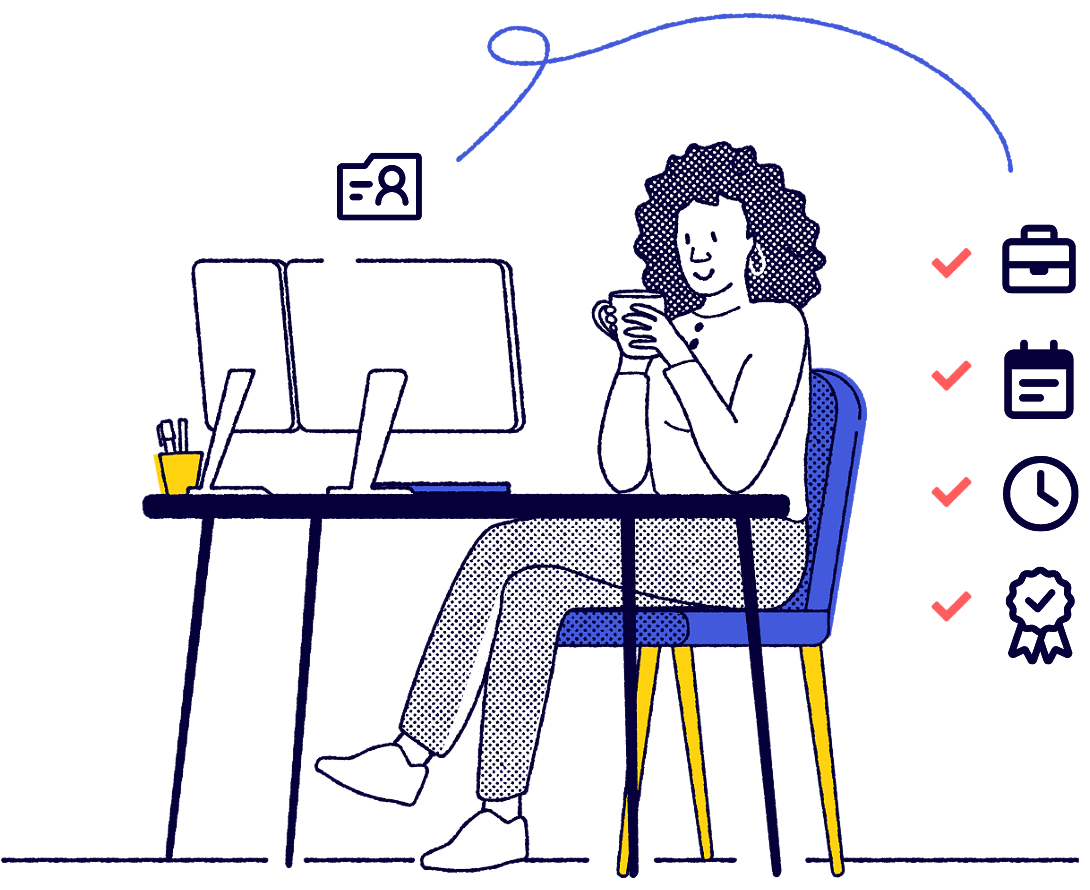
Records shares onboarding checklists with Hiring and syncs licenses and certifications with Professional Development Management. Departments, custom fields, and employee data flow across every Red Rover product, so your team never enters the same information twice.
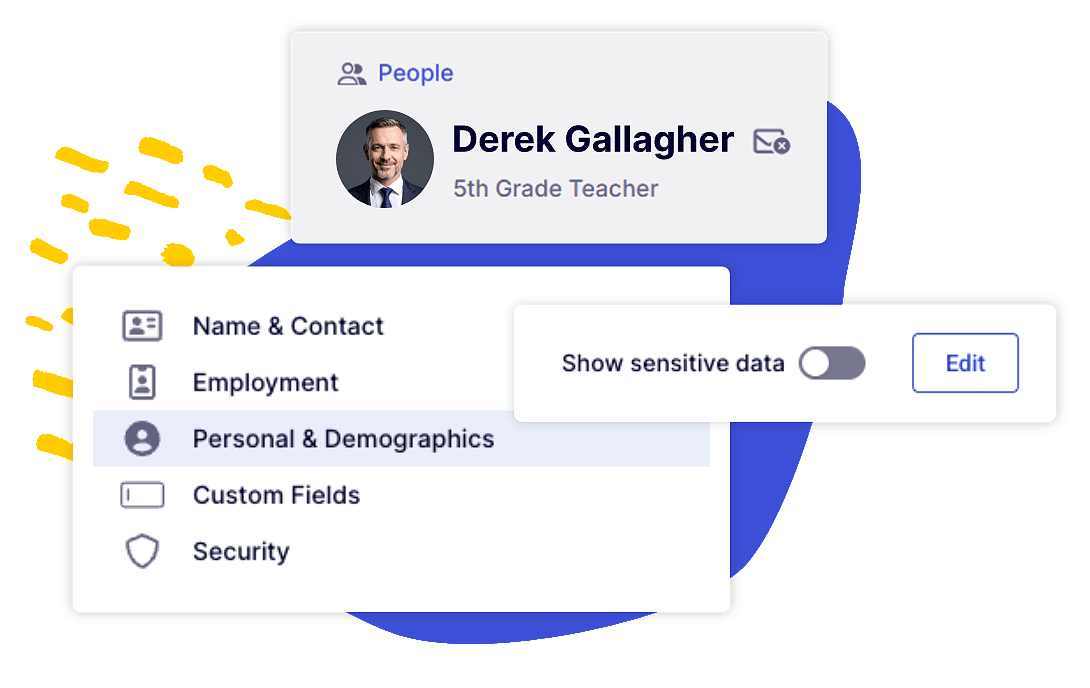
Control who can view and edit personal data, and let users toggle sensitive fields like SSN and date of birth on or off as needed. Document permissions are managed by category, so your evaluations stay separate from your payroll files.
By using Red Rover Records, we’ve eliminated paper forms, Google Forms, and JotForms by centralizing everything into one streamlined system. Even processes like Type III vehicle DOT health cards are now fully digital, saving us a significant amount of time and creating greater efficiency for district team members.

Craig Waldvogel
Director of Operations
Albany Area Schools - ISD 745
Districts rely on multiple systems to keep things running. Red Rover is designed to work alongside your existing tools, whether that’s your SIS, payroll provider, or other platforms. We connect with partners like Skyward, Tyler, and PowerSchool to make sure your data moves where it needs to go without extra steps.
What types of employee information can I store in Red Rover Records?
Records stores contact information (including emergency contacts), personal data, employment details, EEO fields, and any custom fields your district creates. You can also manage documents, certifications, and submitted forms directly on each employee’s record.
Can we create our own forms and approval processes?
Yes. The form builder lets you create custom forms with a variety of field types, from text and dropdowns to file uploads and digital signatures. You can attach multi-step workflows with notification and approval actions, and even designate forms as self-service so employees can start them on their own.
Does Records integrate with other Red Rover products?
It's a fair question, but Records doesn't integrate with other Red Rover products because there's nothing to integrate. Red Rover is a single platform, not a collection of separate tools stitched together. That means data from Hiring, Professional Development, Absence Management, and Time Tracking all lives in the same employee record. One system, one source of truth.
How does Red Rover handle sensitive employee data?
Administrators with the right permissions can view or edit personal data like Social Security numbers, dates of birth, and EEO information. Sensitive fields can be shown or hidden on the record, and users without personal data permissions won’t see those fields at all, including in reports.
How do documents work in Records?
Each employee record has a documents tab where you can upload and manage files. Documents are organized by category (certifications, contracts, evaluations, medical, payroll, and more), and districts can create their own custom categories to match how they organize records. When employees submit forms, those submissions automatically route to the correct document category.
Can we add custom fields to employee records?
Yes. With Records, you can create custom fields for employee records, positions, and job postings. Custom fields are available for reporting and importing, giving your district the flexibility to track the data that matters most to you. Custom fields are a Records feature and require the Records product.
Hiring
PD Management
Absence Management
Time Tracking
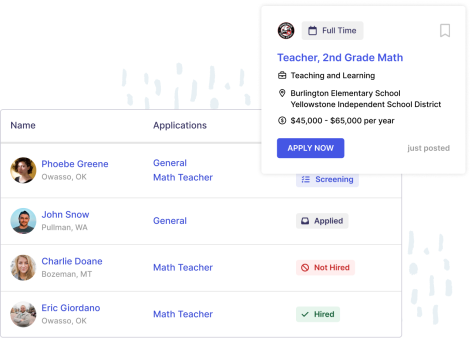
K-12 Hiring and Onboarding. Modernized. Body: Manage job postings, applications, and onboarding in one place. Onboarding checklists and forms are shared with Records, so new hires move from offer to active employee without skipping a beat.
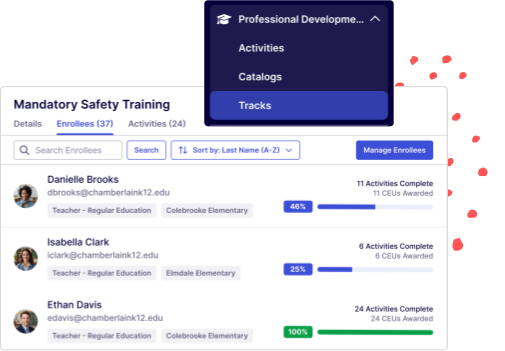
Track licenses and certifications alongside professional learning plans. Credential data syncs with Records automatically, keeping compliance current across both systems.
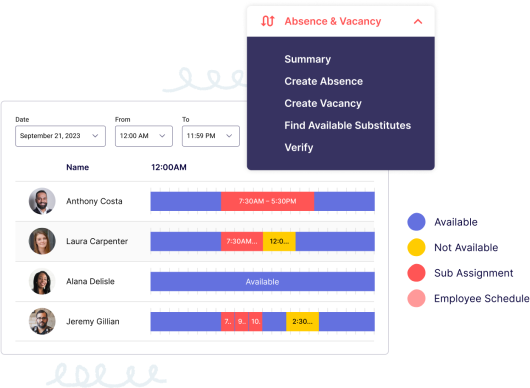
Manage employee absences alongside the position and records data that keeps your district running. No separate system, no extra steps.
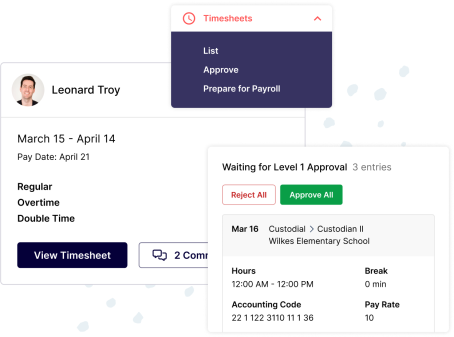
Red Rover’s time tracking solutions save time, reduce human error, and minimize fraud while effectively integrating with your current systems. Tick-tock. It’s high time you saved some time. A lot of time!